Instructions
Set up in minutes, plain-English steps.
Set a budget per category, log expenses from dropdowns, and get an instant red alert the second you overspend.
Comes with 4 more finance templates · 7-day money-back guarantee · Excel + Google Sheets.
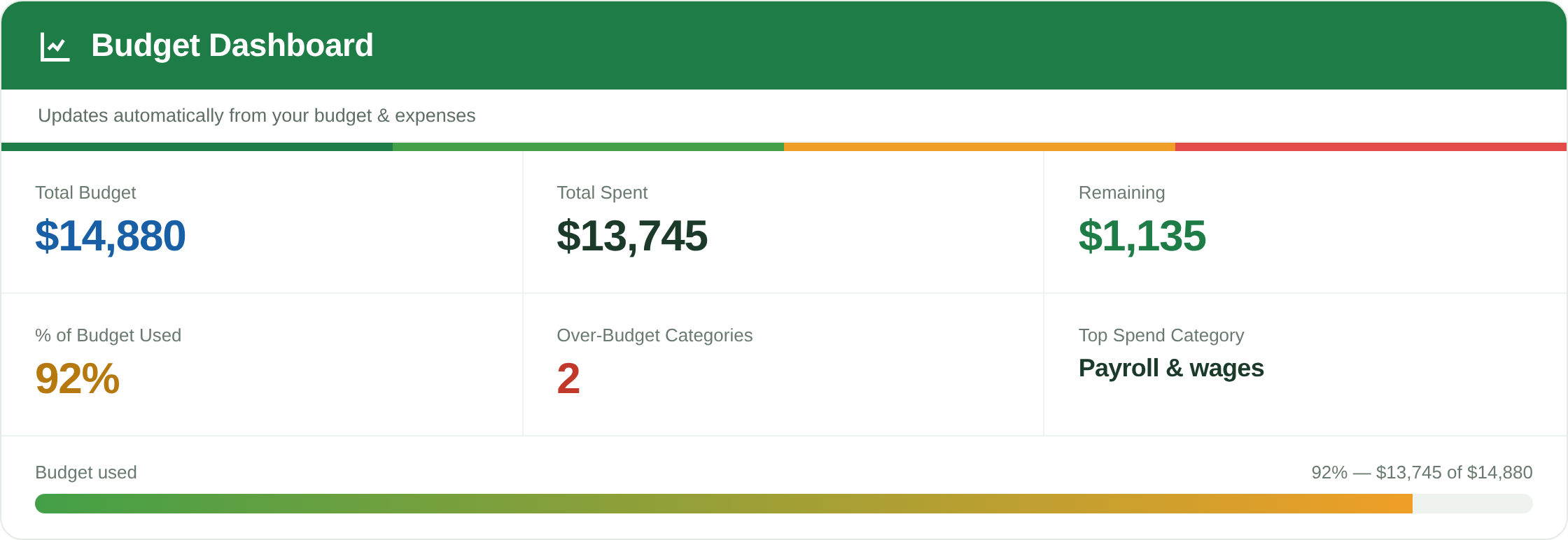
The built-in dashboard — budget vs actual across every category, with overspend flagged automatically.
Set up in minutes, plain-English steps.
Currency, budget period and your category list in one place.
Set a planned amount for each spending category.
Record expenses fast using dropdown menus — no typos, no broken formulas.
KPI tiles plus budget-vs-actual, with over-budget categories highlighted red.
Who it's for: small business owners, freelancers and side-hustlers who want spending under control without a bookkeeping degree.
Yes. Define your categories in Settings and they flow into the budget setup, expense dropdowns and dashboard.
Conditional formatting compares your actual spend to your budget per category and turns anything over the limit red — no setup needed.
Yes. Built in Excel and fully compatible with Google Sheets.